Widget Index
Control the position of cards and charts on the dashboard with setIndex() in ESP-DASH Pro.
ESP-DASH Pro feature. This functionality is available only in the commercial edition of ESP-DASH.By default, widgets appear on the dashboard in the order in which they are created. With setIndex() you assign an explicit position to a card or chart, independent of declaration order.
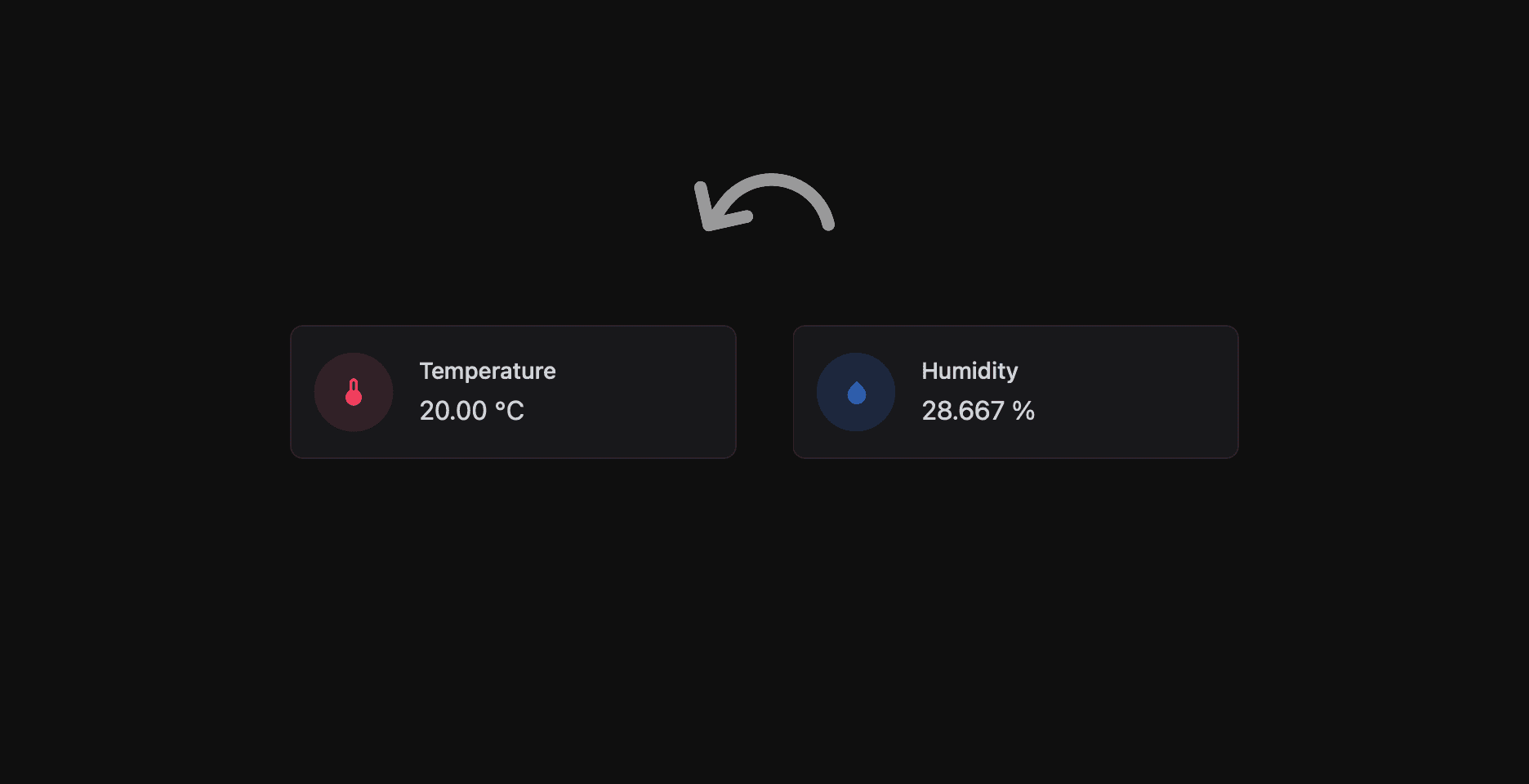
Methods
setIndex() and index() are available on all cards and charts (every class derived from dash::Widget).
setIndex
bool setIndex(uint8_t index);Sets the position of the widget. Returns false if the widget already has this index; otherwise marks the index as changed and returns true. The new position is sent to clients on the next call to dashboard.sendUpdates().
index
uint8_t index() const;Returns the current index of the widget.
Usage
Widgets are arranged in ascending order of index: the widget with the lowest index is placed first and the widget with the highest index is placed last.
dash::TemperatureCard temperature(dashboard, "Temperature");
dash::HumidityCard humidity(dashboard, "Humidity");
dash::BarChart<const char*, int> power(dashboard, "Power Usage (kWh)");

void setup() {
  // ...
  // Show the chart first, followed by humidity and temperature
  power.setIndex(0);
  humidity.setIndex(1);
  temperature.setIndex(2);
}
Assign indexes consistently
When you reorder widgets with setIndex(), assign an index to every card and chart in the layout. This keeps the resulting order explicit rather than dependent on the default.
The index is a uint8_t, so valid values range from 0 to 255.