Cards
Link Card
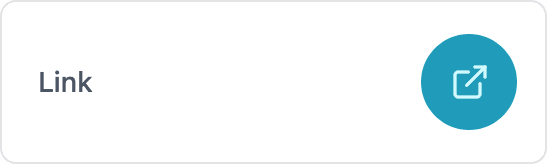
A card that opens a URL when clicked, in a new tab or in the current tab.
ESP-DASH Pro feature. This functionality is available only in the commercial edition of ESP-DASH.The link card displays a clickable link that opens a URL set by the device. Use it to point users to documentation, related dashboards or other services on the network.

Constructor
template <typename T = dash::string>
dash::LinkCard<T>(ESPDash& dashboard, const char* name);
Template parameters
Prop
Type
Parameters
Prop
Type
dash::LinkCard<> link(dashboard, "Documentation");An overload without the dashboard argument creates the card without attaching it to a dashboard; attach it later with dashboard.add(card).
Methods
setValue()
bool setValue(T url);Sets the URL that opens when the user clicks the card. Returns true if the value changed.
link.setValue("https://espdash.pro");value()
const T& value() const;Returns the current URL.
setTarget()
bool setTarget(dash::string target);Sets the browsing context in which the URL opens, using the values of the HTML target attribute. _blank (default) opens the URL in a new tab; _self opens it in the current tab. Returns true if the target changed.
link.setTarget("_self");target()
const dash::string& target() const;Returns the current target.
Example
#include <Arduino.h>
#include <WiFi.h>
#include <AsyncTCP.h>
#include <ESPAsyncWebServer.h>
#include <ESPDashPro.h>

AsyncWebServer server(80);
ESPDash dashboard(server);

dash::LinkCard<> link(dashboard, "Documentation");

void setup() {
  Serial.begin(115200);
  // ... connect to WiFi

  link.setValue("https://espdash.pro");
  link.setTarget("_blank");

  server.begin();
}

void loop() {
  // ...
}