Action Button Card
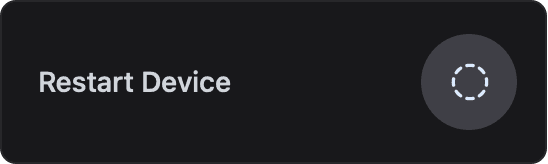
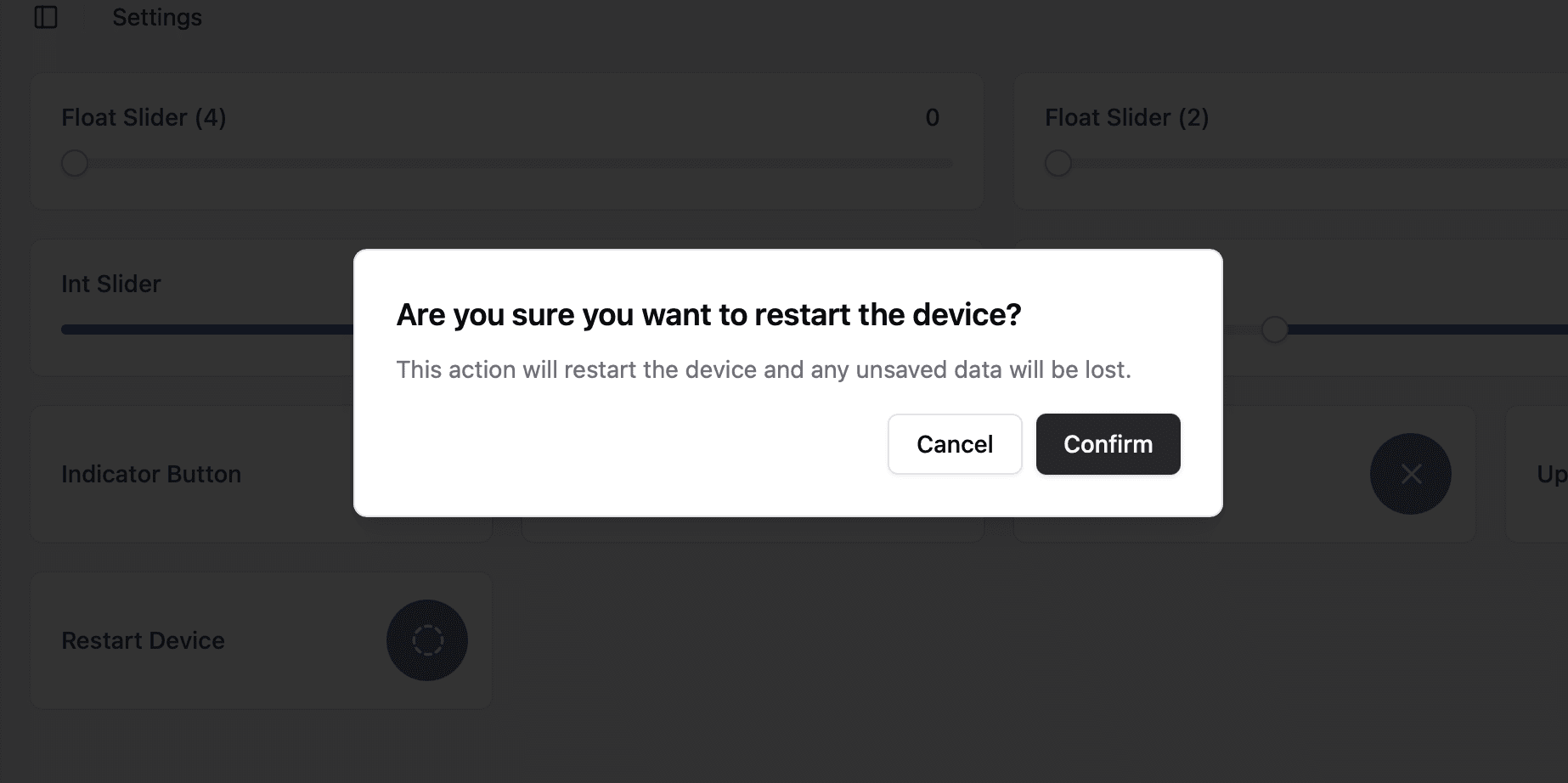
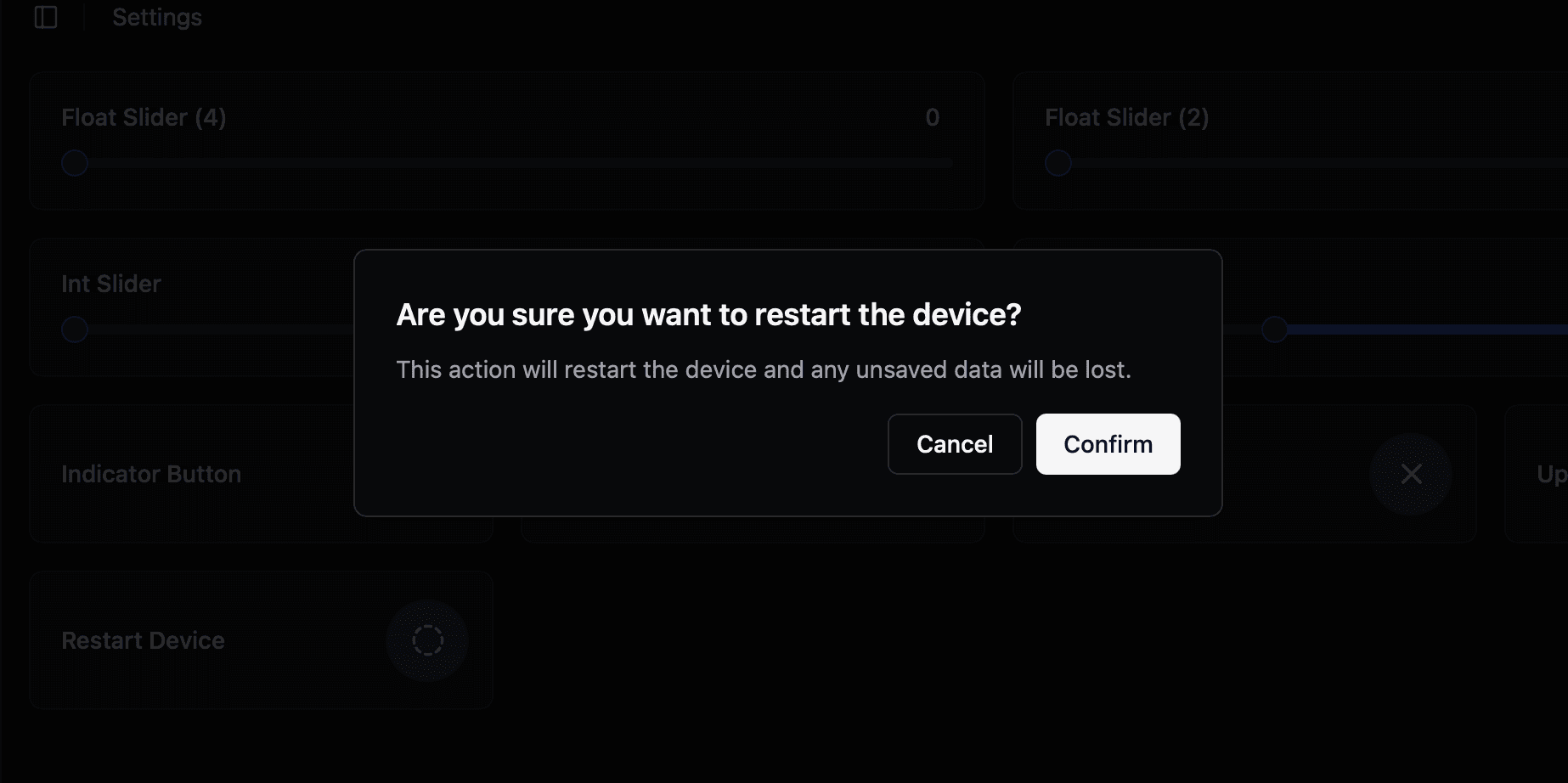
A button that asks the user to confirm in a dialog before the device runs an action.
ESP-DASH Pro feature. This functionality is available only in the commercial edition of ESP-DASH.The action button card opens a confirmation dialog when pressed and reports whether the user confirmed or cancelled. Use it for actions that should not run by accident, such as restarting the device or erasing stored data.

Constructor
dash::ActionButtonCard(ESPDash& dashboard, const char* name, const char* title, const char* description);Prop
Type
dash::ActionButtonCard restartButton(
  dashboard,
  "Restart Device",
  "Are you sure you want to restart the device?",
  "This action will restart the device and any unsaved data will be lost."
);
An overload without the dashboard argument creates the card without attaching it to a dashboard; attach it later with dashboard.add(card).
Callback
void onAction(std::function<void(bool confirm)> callback);The callback fires when the user closes the confirmation dialog. confirm is true if the user confirmed the action and false if the user cancelled it. The card holds no value, so no dashboard update is required inside the callback.
restartButton.onAction([](bool confirm) {
  if (confirm) {
    Serial.println("Action confirmed");
  } else {
    Serial.println("Action cancelled");
  }
});
Methods
setTitle()
void setTitle(dash::string title);Changes the title of the confirmation dialog.
restartButton.setTitle("Restart now?");setDescription()
void setDescription(dash::string description);Changes the message shown in the confirmation dialog.
restartButton.setDescription("The device will be unavailable for a few seconds.");Example
#include <Arduino.h>
#include <WiFi.h>
#include <AsyncTCP.h>
#include <ESPAsyncWebServer.h>
#include <ESPDashPro.h>

AsyncWebServer server(80);
ESPDash dashboard(server);

dash::ActionButtonCard restartButton(
  dashboard,
  "Restart Device",
  "Are you sure you want to restart the device?",
  "This action will restart the device and any unsaved data will be lost."
);

uint32_t restartAt = 0;

void setup() {
  Serial.begin(115200);
  // ... connect to WiFi

  restartButton.onAction([](bool confirm) {
    if (confirm) {
      // Defer the restart so the callback can return first
      restartAt = millis() + 1000;
    }
  });

  server.begin();
}

void loop() {
  if (restartAt != 0 && millis() > restartAt) {
    ESP.restart();
  }
}