Language
Show the NetWizard captive portal in the visitor's language, or set a default language from your firmware.
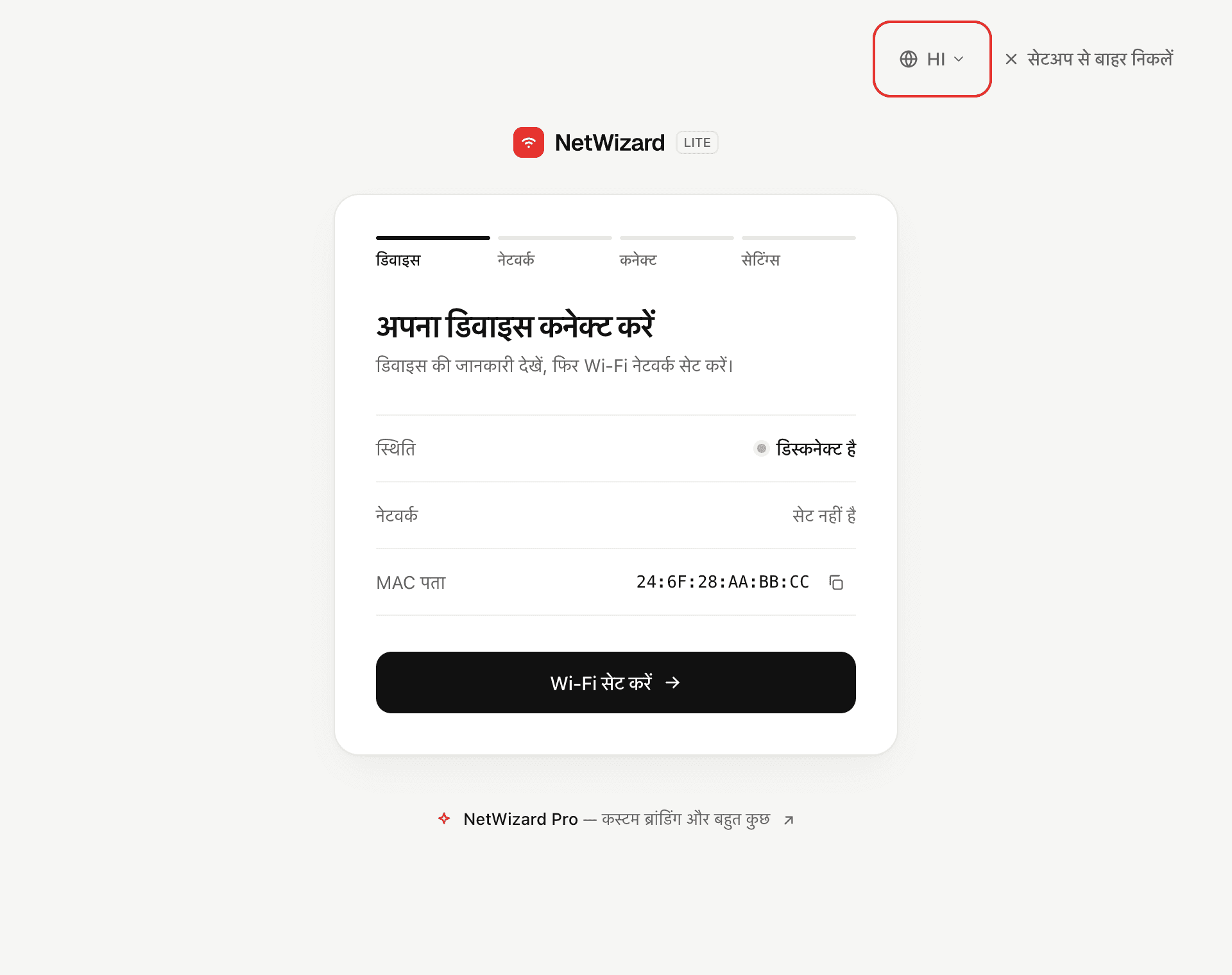
The captive portal is translated into 12 languages. It shows the language of the visitor's browser when it is supported, and the visitor can switch languages with the language picker next to the close button. You can set the default language from your sketch with setLanguage().
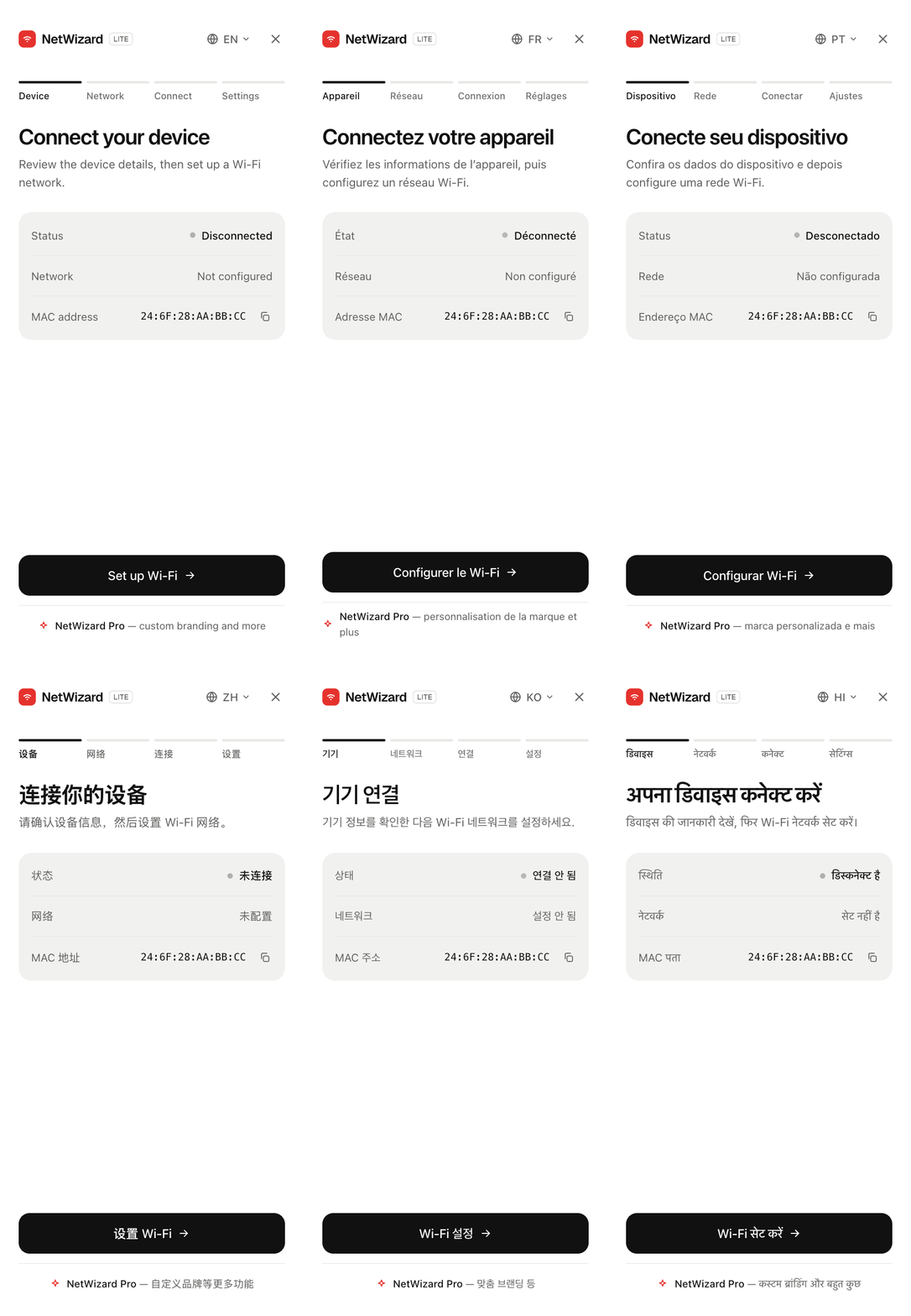
Supported languages
| Code | Language |
|---|---|
en | English |
es | Spanish |
fr | French |
de | German |
pt | Portuguese |
it | Italian |
ru | Russian |
zh | Chinese (Simplified) |
ja | Japanese |
ko | Korean |
ar | Arabic |
hi | Hindi |
In Arabic, the portal switches to a right-to-left layout. Network names, IP addresses and MAC addresses keep their left-to-right order.
Method
setLanguage()
void setLanguage(const char* code);
void setLanguage(String& code);
Prop
Type
Sets the language the portal opens in. Call it before autoConnect() or before the portal is started.
void setup() {
  // ...
  NW.setLanguage("hi");
  NW.autoConnect("NetWizard Demo", "");
  // ...
}
How the portal chooses a language
The portal uses the first of the following that applies:
- The language the visitor picked earlier. The choice is stored in the visitor's browser and kept across visits.
- The default language set with
setLanguage(). - The language of the visitor's browser, when it is one of the supported languages. Regional variants such as
pt-BRmatch their base language. - English.
An unsupported code passed to setLanguage() is ignored, and the portal continues with the next rule.
Notes
- Only the portal's own text is translated. Labels you define in your sketch, such as parameter names and placeholders, and, in NetWizard Pro, statistics, links and the custom title, are shown as you write them.
- All translations are part of the portal, so changing the language does not require a network connection.