Branding
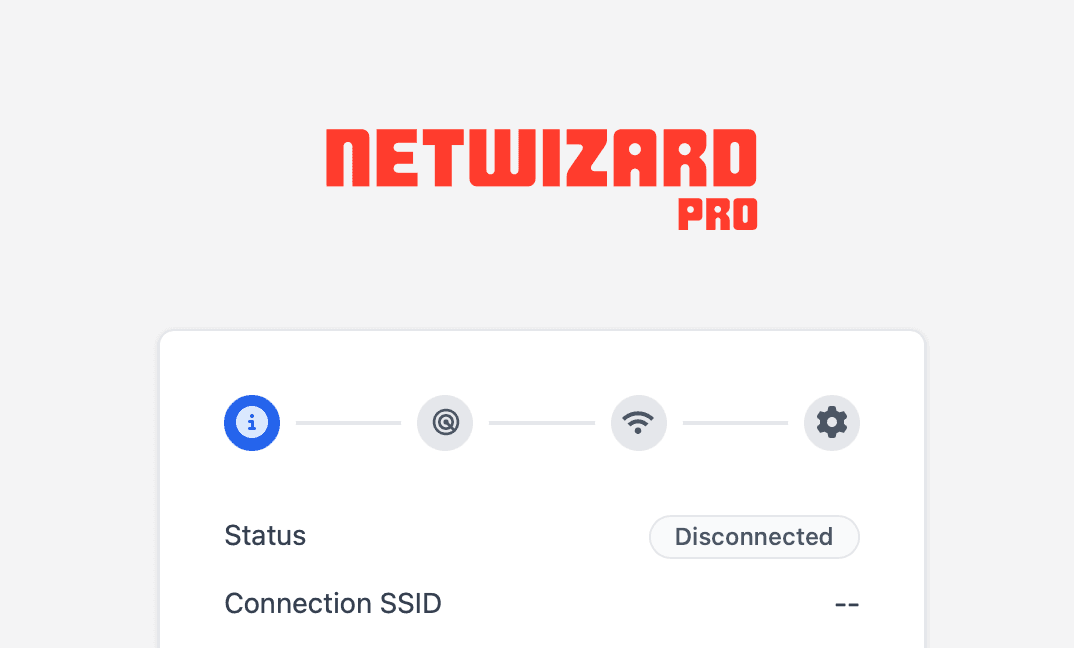
Replace the NetWizard logo in the captive portal with your own company or product logo.
NetWizard Pro feature. This functionality is available only in the commercial edition of NetWizard.NetWizard Pro lets you replace the logo at the top of the captive portal with your own company or product logo. The logo is compiled into the firmware as a byte array.
Requirements
- A logo image in a web-compatible format, such as SVG, PNG, JPEG or GIF. SVG is recommended because of its small file size. Optimize the image before converting it; the logo is stored in flash memory.
- The MIME type of the image, for example
image/svg+xmlorimage/png. You can determine it with a tool such as the MIME File Type Checker.
Replace the logo
Convert the logo to a byte array
- Open the File2Raw utility, which converts files into C++ byte arrays.
- Select your logo file.
- Enable Gzip Compress and Use PROGMEM (Arduino).
- Click Convert.
The portal always serves the logo with Content-Encoding: gzip. The byte array must be gzip-compressed, or the browser cannot display the logo.
Update logo.h
Open src/logo.h in the NetWizard Pro library folder and update the following definitions:
#define NETWIZARD_LOGO_WIDTH        220               // display width in px
#define NETWIZARD_LOGO_HEIGHT       60                // display height in px
#define NETWIZARD_LOGO_MIME         "image/svg+xml"   // MIME type of your image

extern const uint8_t NETWIZARD_LOGO[940]; // set to the new array length- Set
NETWIZARD_LOGO_MIMEto the MIME type of your image. - Set
NETWIZARD_LOGO_WIDTHandNETWIZARD_LOGO_HEIGHTto the size at which the logo is displayed on the page. - Change the array length of
NETWIZARD_LOGOto the length of the generated array.
Update logo.cpp
Open src/logo.cpp and replace the contents of NETWIZARD_LOGO with the generated byte array. Keep the declaration in sync with logo.h:
const uint8_t NETWIZARD_LOGO[/* new length */] PROGMEM = {
  // generated bytes
};
Rebuild the firmware
Compile and upload the firmware. The portal now shows your logo.
Notes
logo.halso definesNETWIZARD_LOGO_GZIPPED. The current release does not read this macro; the logo is always served as gzip-compressed data.- The changes apply to the library files, so they affect every project that uses this copy of NetWizard Pro. Keep a copy of your modified files when you update the library.