Parameters
Password Input
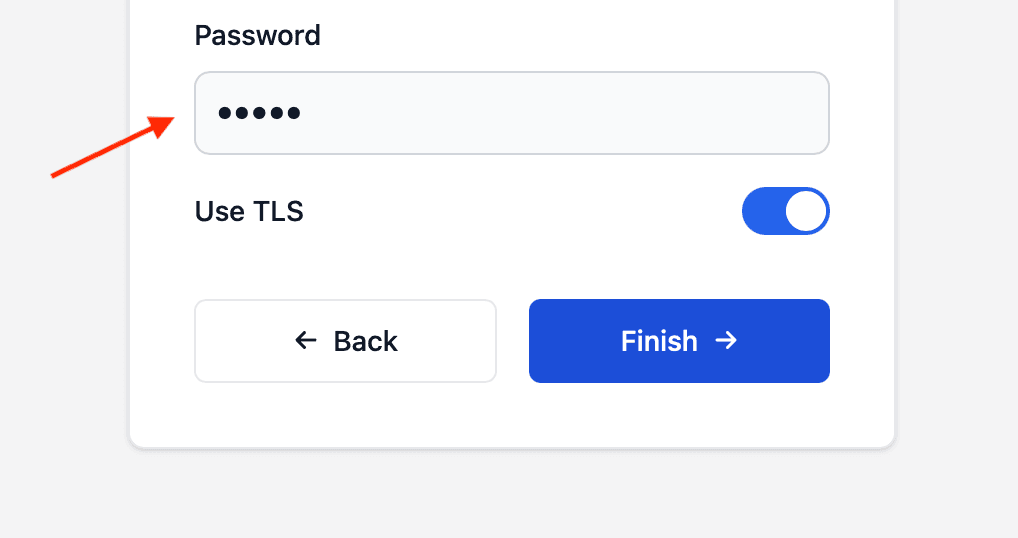
Collect sensitive text, such as passwords or API keys, in a masked field on the NetWizard configuration page.
NetWizard Pro feature. This functionality is available only in the commercial edition of NetWizard.A password input works like an input but masks the text the user enters. Use it for passwords, tokens and other sensitive settings.
Constructor
NetWizardParameter nw_password(&NW, NW_PASSWORD_INPUT, name, value, placeholder, required);Prop
Type
NetWizardParameter nw_mqtt_password(&NW, NW_PASSWORD_INPUT, "MQTT Password", "", "Enter password");Methods
getValueStr()
String val = nw_mqtt_password.getValueStr();Returns the current value.
getValue()
String val;
nw_mqtt_password.getValue(val);
Copies the current value into a String.
setValue()
nw_mqtt_password.setValue("secret");Sets the value of the field.
See Parameters for the methods shared by all parameter types.
Example
#include <WebServer.h>
#include <NetWizardPro.h>

WebServer server(80);
NetWizard NW(&server);

NetWizardParameter nw_mqtt_user(&NW, NW_INPUT, "MQTT User", "", "user");
NetWizardParameter nw_mqtt_password(&NW, NW_PASSWORD_INPUT, "MQTT Password", "", "Enter password");

void setup() {
  NW.onConfig([&]() {
    // store nw_mqtt_user.getValueStr() and nw_mqtt_password.getValueStr()
    return true;
  });

  NW.autoConnect("NetWizard Demo", "");
  server.begin();
}

void loop() {
  NW.loop();
}