Introduction
NetWizard is a WiFi manager and captive portal library for ESP32, RP2040 and RP2350 that removes the need to hard-code WiFi credentials.
NetWizard is a WiFi manager library for wireless microcontrollers. Instead of compiling WiFi credentials into the firmware, the device starts a captive portal when it has no saved network or cannot reach it. The user connects to the device's access point, selects a network, enters the password and the device stores the credentials for subsequent boots. NetWizard handles the connection, reconnection and portal lifecycle; your sketch interacts with it through a small C++ API.
ayushsharma82/NetWizard
Why use a WiFi manager
Hard-coded credentials are impractical when you:
- develop a product that end users connect to their own networks,
- move a device between different WiFi networks frequently, or
- want to change networks without recompiling and re-flashing the firmware.
Key capabilities
- No hard-coded credentials: credentials entered in the portal are stored on the device and reused at boot.
- Captive portal: the setup page opens automatically when a phone or computer joins the device's access point.
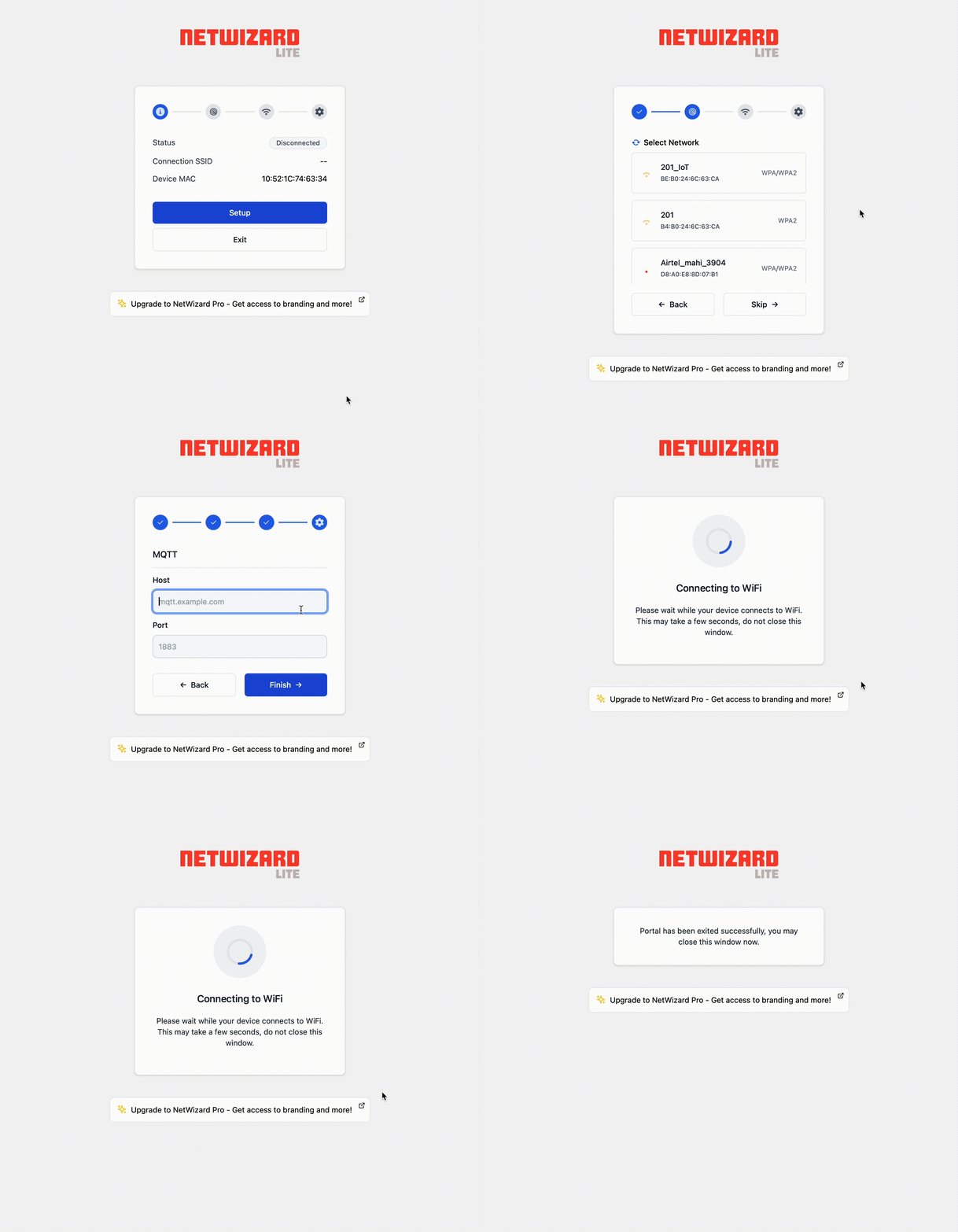
- Step-by-step setup flow: the portal scans for networks, tests the submitted credentials and reports the result to the user.
- Dynamic configuration page: declare parameters in C++, such as MQTT host and port, and they appear in the portal for the user to fill in. No HTML, CSS or JavaScript is required.
- Blocking and non-blocking strategies: wait for setup to finish, or keep your application running while the portal is active. See
setStrategy(). - Synchronous and asynchronous web servers: works with the core
WebServeror, in async mode, withESPAsyncWebServer. - Minimal integration: a working setup needs a constructor, a call to
autoConnect()and a call toloop().
Supported boards
- ESP32
- RP2040 (Raspberry Pi Pico W)
- RP2350 (Raspberry Pi Pico 2 W)
A bare RP2040 or RP2350 without a wireless chip is not supported. See Installation for the required core and library versions.
How it works
autoConnect()loads the saved credentials. If credentials exist, NetWizard connects to that network and retries until the connect timeout (30 seconds by default) expires.- If no credentials are saved, or the connection fails, NetWizard starts an access point with the SSID and password you pass to
autoConnect(), together with a DNS server and the portal web interface. - The user selects a network and submits the password and any configuration parameters. NetWizard tests the connection and, on success, saves the credentials.
- The portal closes when the user exits it, when it times out (5 minutes without a connected client by default) or when you stop it. NetWizard then connects to the saved network in station mode.
NW.loop(), called from yourloop(), keeps the portal, the connection status and the callbacks running.
NetWizard Lite and NetWizard Pro
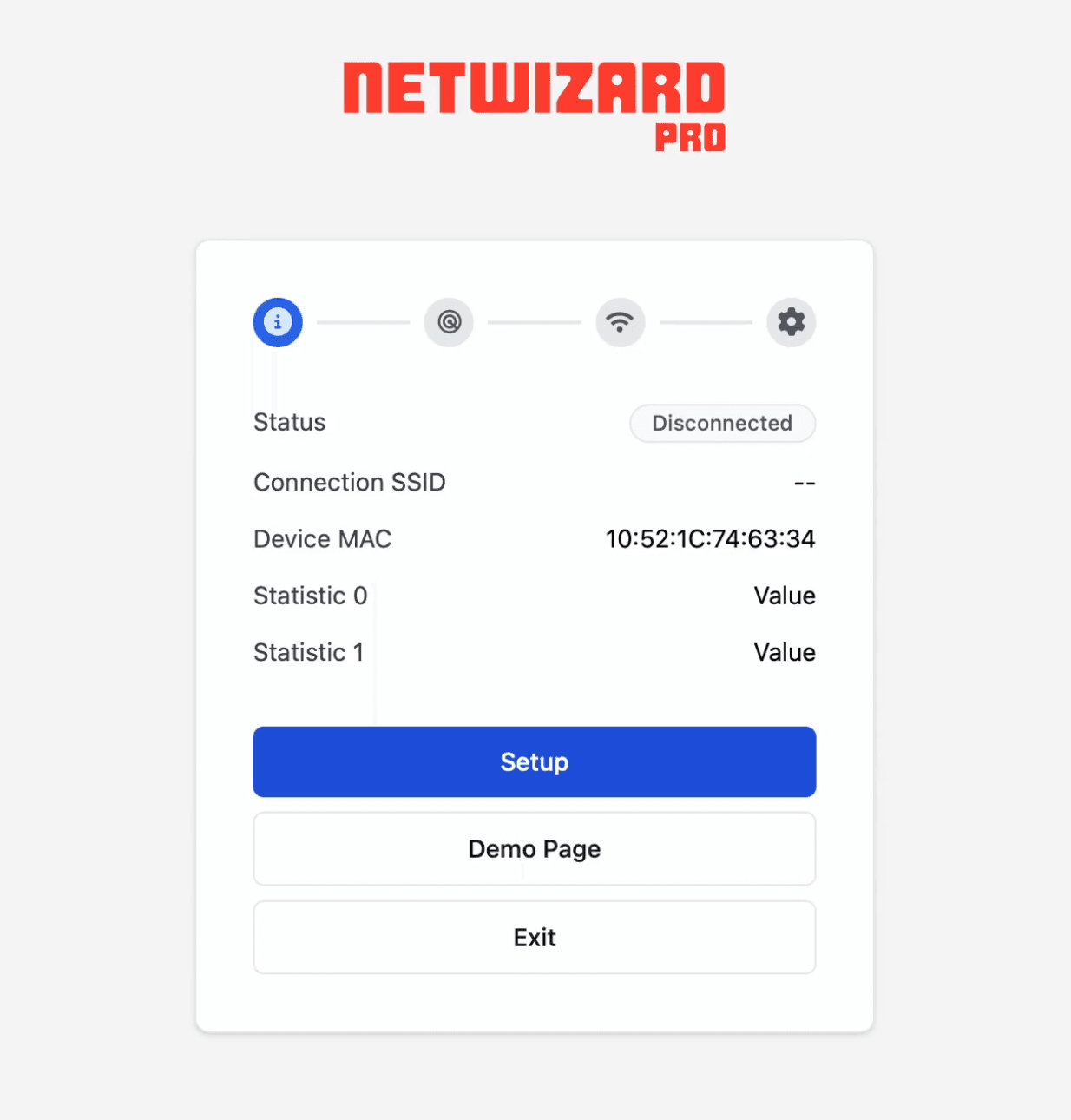
This documentation covers both editions of NetWizard. NetWizard Lite is open source and licensed under AGPL-3.0. NetWizard Pro is a commercial edition that adds statistics, links, additional parameter types, a custom portal title and custom branding. Pages for features that are available only in NetWizard Pro are marked accordingly. See Commercial License for a comparison, or visit store.softt.io.