Tabs
Organize ESP-DASH Pro v4 widgets into multiple dashboard pages with the Tab class and setTab().
ESP-DASH Pro feature. This functionality is available only in the commercial edition of ESP-DASH.Tabs split the dashboard into multiple pages so you can group related cards and charts. They are useful for dashboards with a large number of widgets.
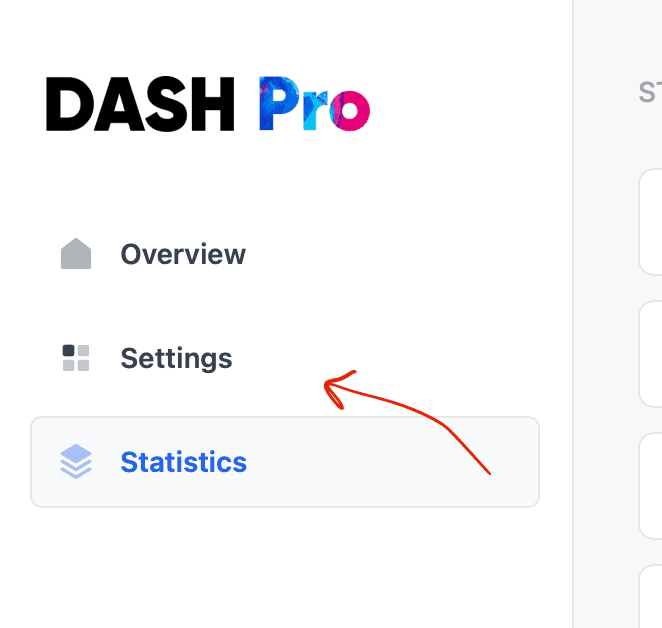
By default, ESP-DASH places every widget in the Overview tab.
If every card and chart is assigned to a custom tab, the dashboard hides the Overview tab from the sidebar automatically.
Constructor
Declare tabs in global scope, outside of any function.
Tab tab1(&dashboard, "Custom Tab 1");Prop
Type
Assign widgets to a tab
Call setTab() on a card or chart and pass a pointer to the tab:
card1.setTab(&tab1);
chart1.setTab(&tab1);
Example
// ...

AsyncWebServer server(80);
ESPDash dashboard(&server);

Tab sensorsTab(&dashboard, "Sensors");

Card temperature(&dashboard, TEMPERATURE_CARD, "Temperature", "°C");
Card humidity(&dashboard, HUMIDITY_CARD, "Humidity", "%");

void setup() {
  // ...

  temperature.setTab(&sensorsTab);
  humidity.setTab(&sensorsTab);

  server.begin();
}

void loop() {
  temperature.update((int)random(0, 50));
  humidity.update((int)random(0, 100));
  dashboard.sendUpdates();
  delay(3000);
}