Branding
Replace the default ESP-DASH Pro v4 dashboard logo with your own image by editing the logo byte array in the library source.
ESP-DASH Pro feature. This functionality is available only in the commercial edition of ESP-DASH.Branding refers to the logo displayed on the dashboard. You can replace the default logo by defining your image as a byte array in the logo.h and logo.cpp files of the ESP-DASH Pro library source, without modifying any HTML or CSS.
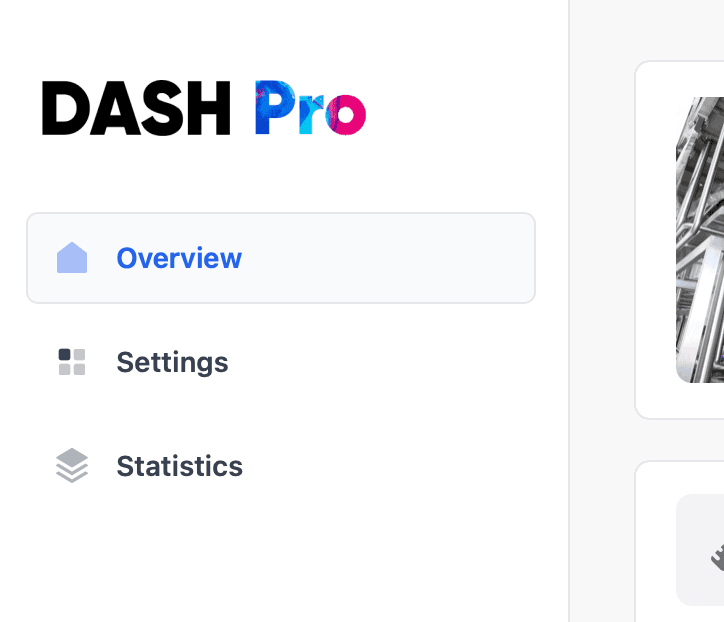
Add a custom logo
Prepare the logo
Create or obtain the logo image. SVG is recommended; PNG and JPEG are also supported. Optimize the image to keep the file size small, as it is stored in flash.
Convert the logo to a byte array
- Open the File2Raw utility, which converts files into C++ byte arrays.
- Select your logo file.
- Enable Gzip Compress and Use PROGMEM (Arduino).
- Click Convert.
Modify logo.h
-
Open
logo.hin the ESP-DASH Pro library source. -
Locate the
DASH_LOGOdeclaration:extern const uint8_t DASH_LOGO[]; -
Set the length of the
DASH_LOGOarray to the length of your logo's byte array. -
Set
DASH_LOGO_MIMEto the MIME type of your image. The default isimage/png; change it if your logo uses another format, for exampleimage/jpegorimage/svg+xml. -
Set
DASH_LOGO_WIDTHandDASH_LOGO_HEIGHTto the size at which the logo is displayed on the dashboard.
Modify logo.cpp
- Open
logo.cppin the ESP-DASH Pro library source. - Replace the contents of the
DASH_LOGOarray with the byte array generated by File2Raw.
Upload the firmware
Compile your sketch with the modified ESP-DASH Pro library and upload it to your device. The dashboard now displays your logo.
Logos and other branding elements may be protected by copyright and trademark law. Make sure you have the rights or permissions required to use them in your project.