Cards
You are reading the documentation for ESP-DASH v4.x.x, which is no longer the latest release. View the v5.x.x documentation.Generic Card
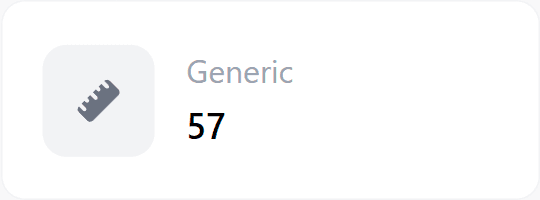
Display any integer, float, boolean or string value on the ESP-DASH v4 dashboard with the generic card.
The generic card displays an arbitrary value: integers, floats, booleans or strings. Use it for readings and states that do not fit one of the specialized cards.
Constructor
Card generic(&dashboard, GENERIC_CARD, "Generic");Prop
Type
Methods
update()
Sets the displayed value. Call dashboard.sendUpdates() afterwards to push the change to connected clients.
generic.update(int value);
generic.update(float value);
generic.update(bool value);
generic.update(const char* value);
generic.update(const String &value);
Each overload also accepts a second const char* symbol argument that replaces the card's symbol:
generic.update(value, "units");Example
#include <Arduino.h>
#if defined(ESP8266)
  #include <ESP8266WiFi.h>
  #include <ESPAsyncTCP.h>
#elif defined(ESP32)
  #include <WiFi.h>
  #include <AsyncTCP.h>
#endif
#include <ESPAsyncWebServer.h>
#include <ESPDash.h>

const char* ssid = "YOUR_SSID";
const char* password = "YOUR_PASSWORD";

AsyncWebServer server(80);
ESPDash dashboard(&server);

Card generic(&dashboard, GENERIC_CARD, "Generic");

void setup() {
  Serial.begin(115200);

  WiFi.mode(WIFI_STA);
  WiFi.begin(ssid, password);
  if (WiFi.waitForConnectResult() != WL_CONNECTED) {
    Serial.println("WiFi connection failed");
    return;
  }
  Serial.print("IP address: ");
  Serial.println(WiFi.localIP());

  server.begin();
}

void loop() {
  static unsigned long lastUpdate = 0;
  if (millis() - lastUpdate > 3000) {
    lastUpdate = millis();
    generic.update((int)random(0, 100));
    dashboard.sendUpdates();
  }
}