Disable Filesystem OTA
Enable or disable filesystem (LittleFS or SPIFFS) updates at runtime in ElegantOTA Pro, and check whether the filesystem update target is enabled.
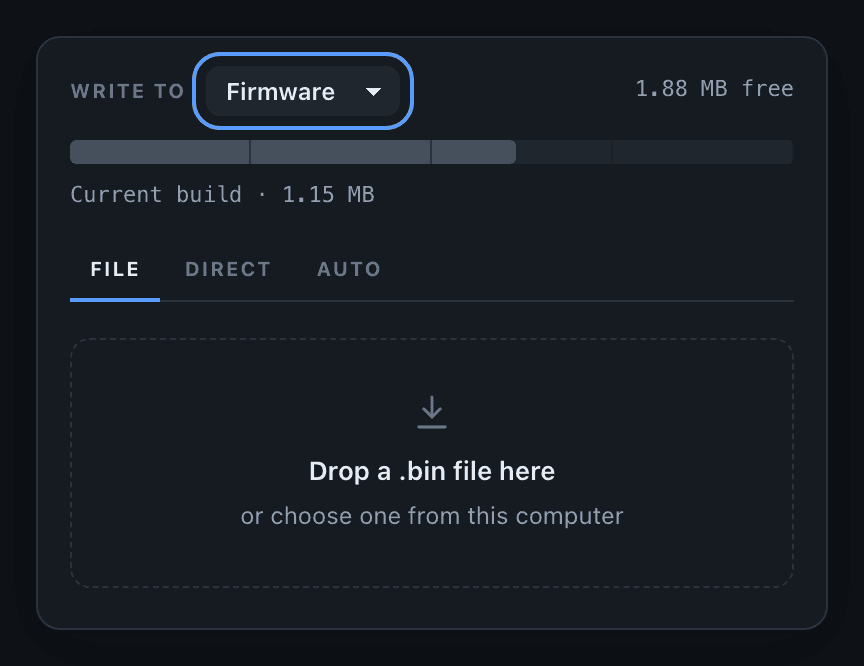
ElegantOTA Pro feature. This functionality is available only in the commercial edition of ElegantOTA.ElegantOTA Pro lets you enable or disable each update target at runtime, for security reasons or while a task is running that an update must not interrupt. The update target defines what an update may overwrite: the firmware or the filesystem image. The setting applies to every OTA mode, and the portal hides a disabled target.
Use the functions on this page to control updates of the filesystem image (LittleFS or SPIFFS).
Disable filesystem updates
ElegantOTA.setFilesystemMode(false);Enable filesystem updates
ElegantOTA.setFilesystemMode(true);Both update targets are enabled by default after a cold boot.
Check the setting
if (ElegantOTA.checkFilesystemMode() == true) {
  Serial.println("Filesystem updates are enabled");
} else {
  Serial.println("Filesystem updates are disabled");
}
Behavior
While filesystem updates are disabled:
- The Filesystem option disappears from the Write to selector in the portal.
/ota/startrejects filesystem uploads.pullFrom()withOTA_MODE_FILESYSTEMand filesystem direct downloads from the portal are rejected.
setFilesystemMode() controls whether the filesystem region may be overwritten. It is unrelated to setFileMode(), which controls whether images may be uploaded from the browser.