Branding
Replace the logo in the ElegantOTA Pro portal with your own light and dark logos by editing the logo.h and logo.cpp library files.
ElegantOTA Pro feature. This functionality is available only in the commercial edition of ElegantOTA.The ElegantOTA Pro portal serves its logo from the device. The logo is stored as byte arrays in the logo.h and logo.cpp files of the library source, so you can replace it with your product's logo without modifying any HTML or CSS, and without rebuilding the portal.
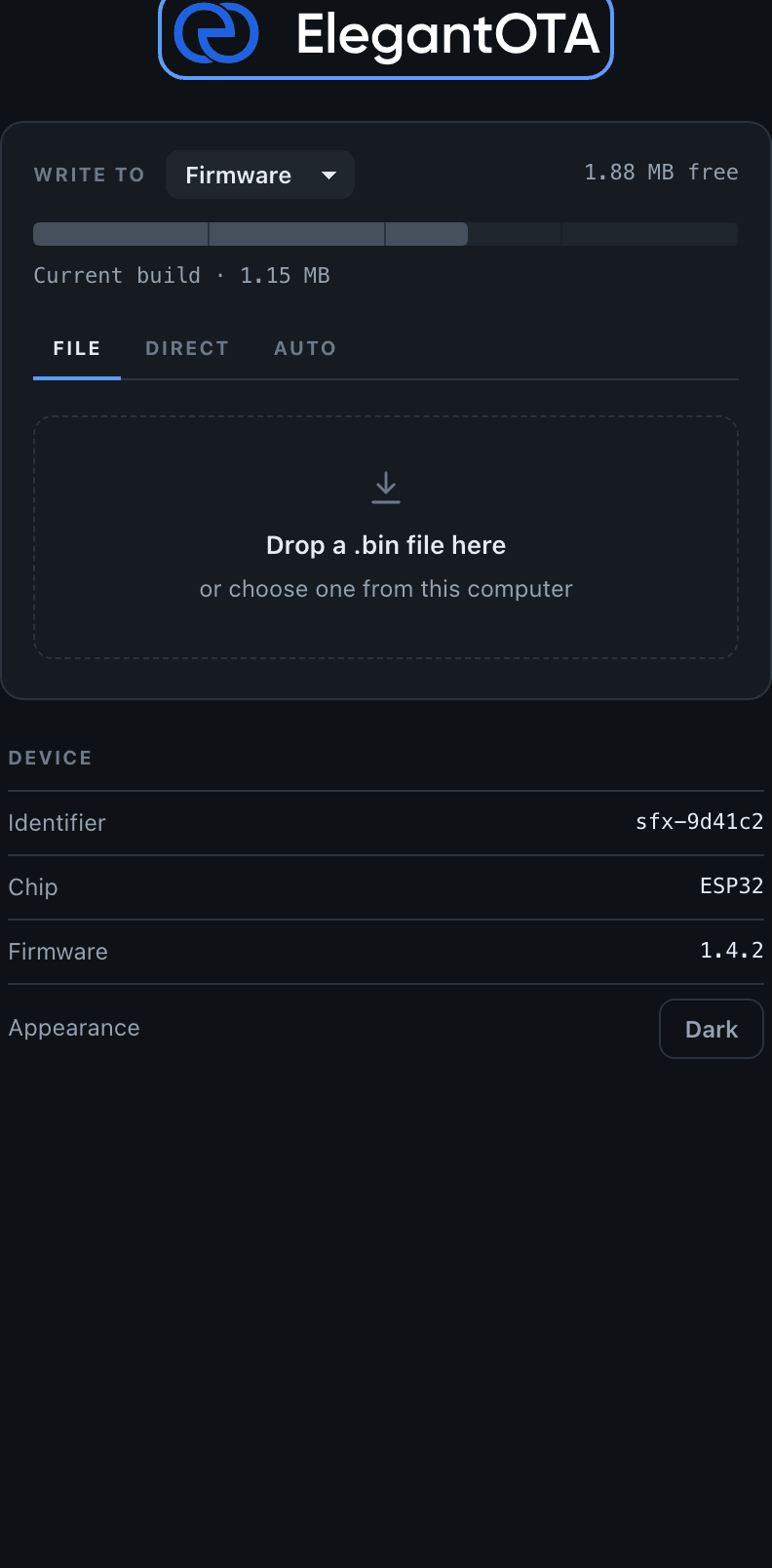
The portal requests one of two logo variants, depending on the active color scheme:
| Route | Array | Shown in |
|---|---|---|
/ota/logo/light | ELEGANTOTA_LIGHT_LOGO | Light theme |
/ota/logo/dark | ELEGANTOTA_DARK_LOGO | Dark theme |
Replace the logo
Prepare the logos
Create the logo you want to display. SVG is recommended, because it stays sharp at any size and compresses well; PNG and JPEG also work. Keep the file small: it is stored in flash and sent to the browser.
Prepare one variant that is legible on a light background and one that is legible on a dark background.
Convert the logos
Convert each logo into a byte array with the File2Raw utility:
- Open File2Raw and select the logo file.
- Select Gzip Compress and Use PROGMEM (Arduino).
- Click Convert and copy the generated data.
Repeat the procedure for the light and the dark variant.
The conversion utility is provided as is, without warranty or liability of any kind.
Update logo.h
Open src/logo.h in the ElegantOTA Pro library and update the definitions:
#define ELEGANTOTA_LOGO_GZIPPED      1          // 1 if the data is gzip-compressed
#define ELEGANTOTA_LOGO_WIDTH        220        // Display width in px
#define ELEGANTOTA_LOGO_HEIGHT       34         // Display height in px

#define ELEGANTOTA_LIGHT_LOGO_MIME   "image/svg+xml"
extern const uint8_t ELEGANTOTA_LIGHT_LOGO[2392];   // Length of your array

#define ELEGANTOTA_DARK_LOGO_MIME    "image/svg+xml"
extern const uint8_t ELEGANTOTA_DARK_LOGO[2390]; // Length of your array- Set each MIME type to match the image format, for example
"image/png"or"image/jpeg". - Set
ELEGANTOTA_LOGO_GZIPPEDto1if you selected Gzip Compress, and to0otherwise. The setting applies to both variants. - Set the width and height to the proportions of your logo. The portal displays the logo at exactly this size.
- Set the array lengths in the
externdeclarations to the lengths of the new arrays.
Update logo.cpp
Open src/logo.cpp and replace the contents of ELEGANTOTA_LIGHT_LOGO and ELEGANTOTA_DARK_LOGO with the generated data. The array lengths in logo.cpp must match the declarations in logo.h exactly.
Upload the firmware
Compile the sketch with the modified library and upload the firmware to your device.
The device allows browsers to cache the logo for 15 minutes. Clear the browser cache or perform a hard refresh to see the new logo immediately.
The portal now displays your logo and switches between the light and dark variants with the color scheme.
Logos and other branding elements may be subject to copyright and trademark law. Ensure that you have the necessary rights or permissions to use any branding elements in your project.