Hardware ID
Display a unique hardware ID in the ElegantOTA Pro portal to identify a device among others on your network.
ElegantOTA Pro feature. This functionality is available only in the commercial edition of ElegantOTA.The hardware ID is a string that identifies a device. ElegantOTA Pro displays it as Identifier in the device section of the portal, so you can confirm which device you are about to update.
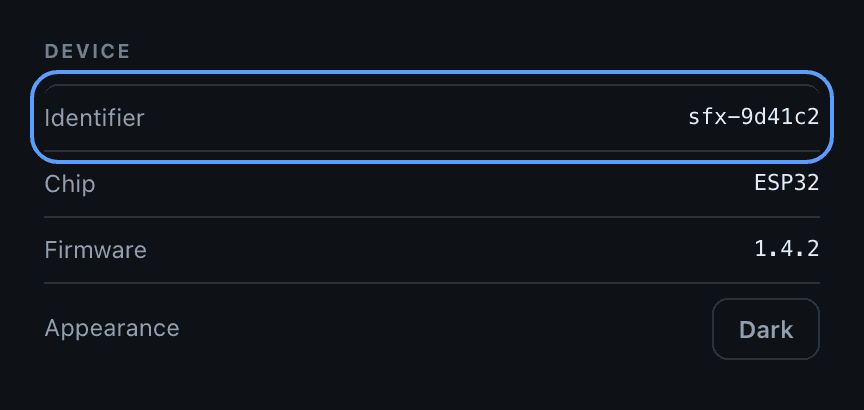
Set the hardware ID
ElegantOTA.setID("my_device_001");Prop
Type
If no hardware ID is set, the portal shows a placeholder.
Example
#include <ElegantOTAPro.h>

// ... web server declaration

void setup() {
  // ... connect to Wi-Fi

  ElegantOTA.setID("my_device_001");
  ElegantOTA.begin(&server);

  server.begin();
}

void loop() {
  server.handleClient();
  ElegantOTA.loop();
}
Best practices
- Use an ID that is unique for each device to avoid confusion.
- Do not use double quotes (
") or backslashes (\). The value is embedded in the JSON that the portal loads without escaping, and these characters prevent the portal from loading its device information. - Avoid spaces and other special characters, which can cause problems in network communication or file names.
- Keep a record of the hardware IDs of all your devices.
- Set the hardware ID during initialization, in
setup(), before the portal is used.