Timestamps
Show device-synchronized timestamps and packet numbers on each line of the WebSerial Pro terminal.
WebSerial Pro feature. This functionality is available only in the commercial edition of WebSerial.Timestamps add the time at which each message was logged to the start of the line. Use them to track when events occur and to analyze scheduled tasks, timers and task execution times.
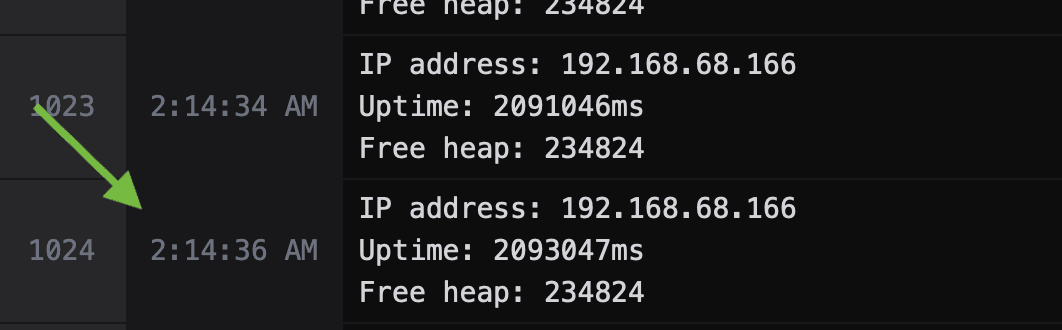
How timestamps are synchronized
Timestamps are generated on the device, not in the browser. The terminal periodically sends the current time of the browser to the device, and WebSerial Pro stamps each message with the device time when it is written, at a resolution of one second. No RTC, NTP client or other external dependency is required. Because the time is recorded on the device, timestamps are consistent across multiple open terminal windows and are not affected by transmission latency.
Enable timestamps
Timestamps are enabled from the settings panel of the terminal; no firmware changes are required.
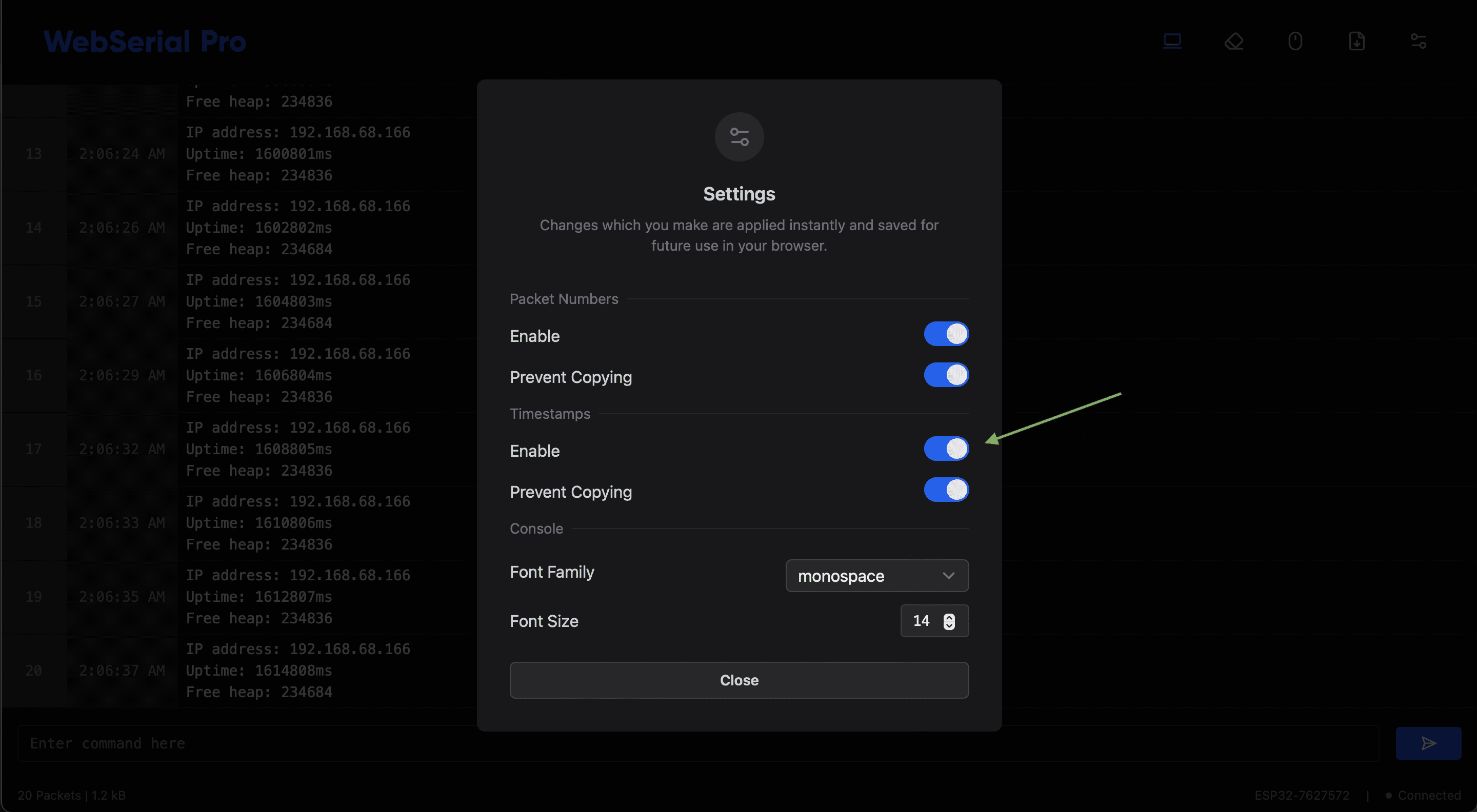
The settings panel provides the following options:
| Setting | Description |
|---|---|
| Timestamps > Enable | Shows the timestamp at the start of each line. |
| Timestamps > Prevent Copying | Excludes timestamps from text selection, so that copying from the terminal copies only the log output. |
| Packet Numbers > Enable | Shows a sequential packet number on each line. |
| Packet Numbers > Prevent Copying | Excludes packet numbers from text selection. |
Settings are applied immediately and saved in the browser for future sessions.