Export Logs
Export the log output of the WebSerial Pro terminal as Text, JSON or CSV files for analysis and sharing.
WebSerial Pro feature. This functionality is available only in the commercial edition of WebSerial.Export Logs saves the log output received by the WebSerial Pro terminal to a file in your browser. Use it to archive logs, process them with other tools, or share them with your team or customers for troubleshooting.
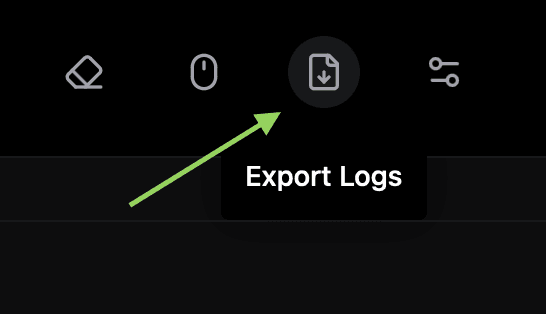
Export the logs
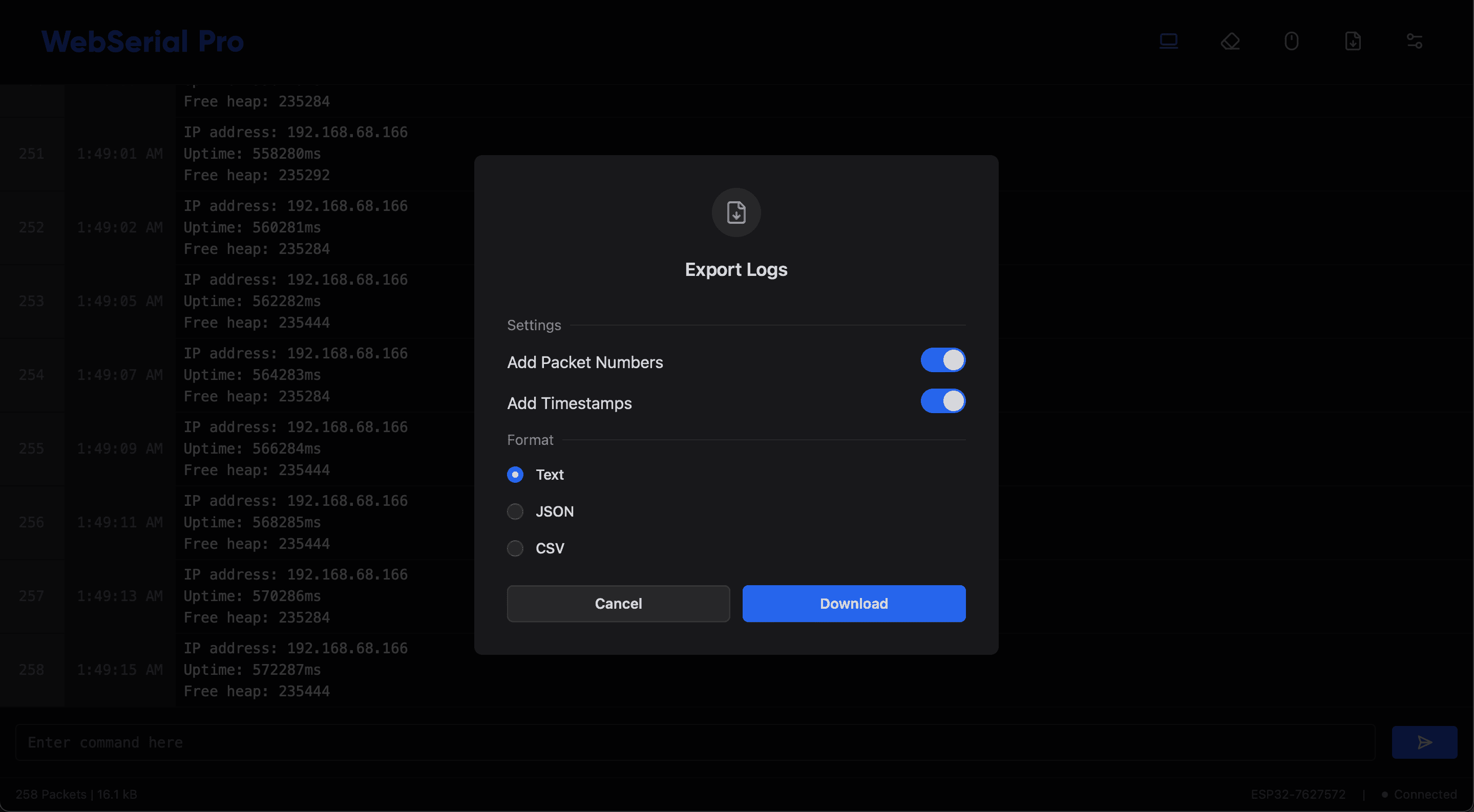
Choose the content
Select whether packet numbers and timestamps are included in the export. Both are included by default.
Choose the format and download
Select the output format and download the file. The file is named export-<ISO date and time> with the extension of the selected format.
| Format | Extension | Use |
|---|---|---|
| Text | .txt | Human-readable log file. |
| JSON | .json | Machine-readable log data for scripts and tools. |
| CSV | .csv | Tabular log data for spreadsheets. |
The export is generated in the browser from the logs the terminal has received; no firmware changes are required.