Introduction
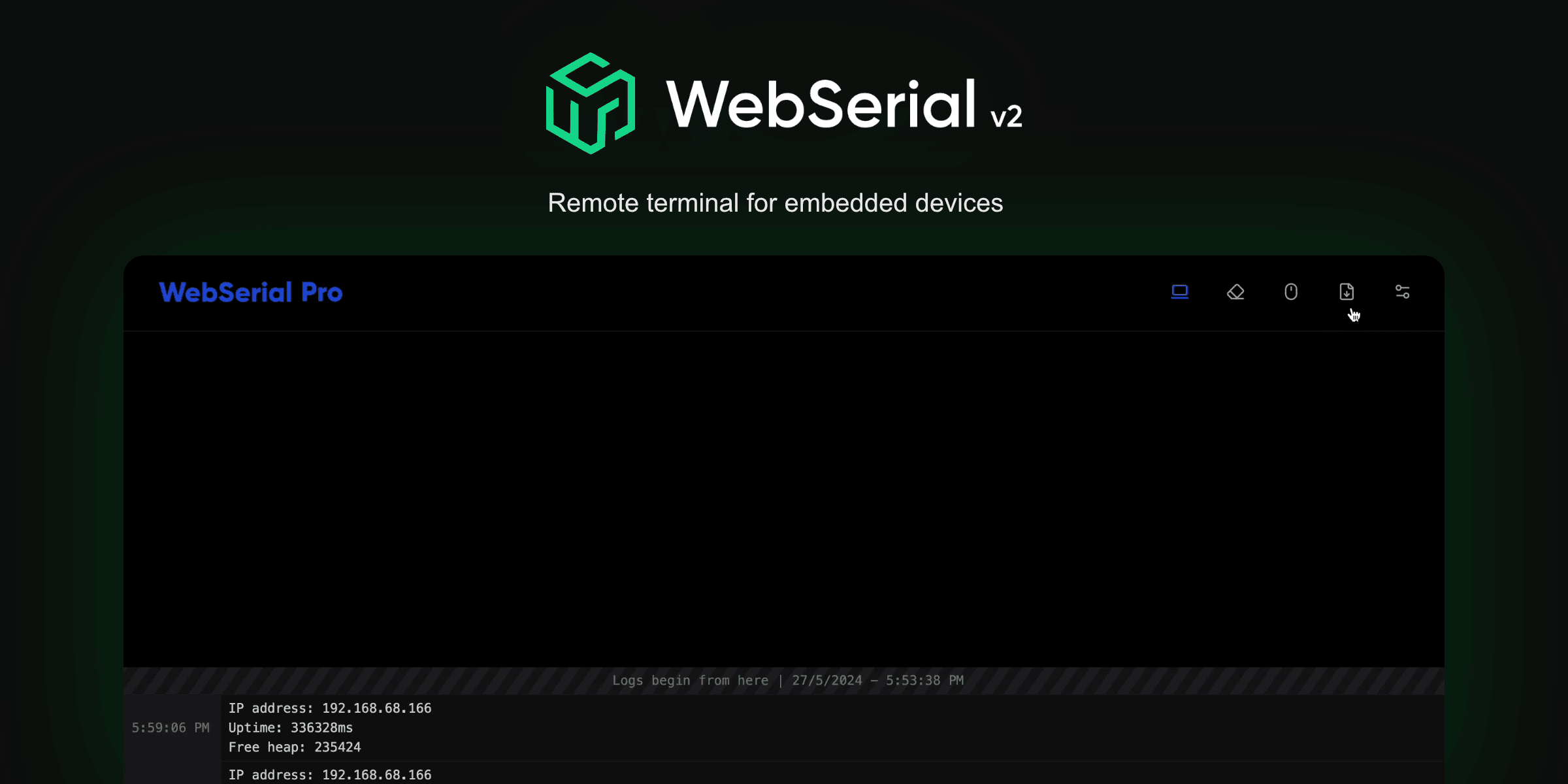
WebSerial is a remote terminal library that lets you log, monitor and debug firmware on wireless microcontrollers from a web browser.
WebSerial is a remote terminal that lives on your wireless microcontroller. It serves a terminal page from the device and streams your log output to every connected browser over a WebSocket, so you can log, monitor and debug firmware without a wired serial connection.
ayushsharma82/WebSerial
Key capabilities
- Remote terminal in the browser: the terminal page is generated and served by the library at
/webserial. You do not need to write HTML, CSS or JavaScript. - Familiar printing API: the
WebSerialobject derives from the ArduinoPrintclass, soprint(),println(),printf()andwrite()work as they do withSerial. - Two-way communication: commands typed into the terminal are delivered to your firmware through the
onMessage()callback. - Built on ESPAsyncWebServer: WebSerial attaches to an existing
AsyncWebServerinstance and coexists with your own routes. - Buffered and high-performance modes: the default mode batches output to reduce network overhead; High Performance Mode sends messages immediately for high-throughput logging.
- Authentication: protect the terminal with HTTP Basic Authentication.
Supported boards
| Board | WebSerial Lite | WebSerial Pro |
|---|---|---|
| ESP8266 | Yes | Yes |
| ESP32 | Yes | Yes |
| RP2040 (Raspberry Pi Pico W) | Yes | No |
| RP2350 (Raspberry Pi Pico 2 W) | Yes | No |
See Installation for the dependencies required on each platform.
WebSerial Lite and WebSerial Pro
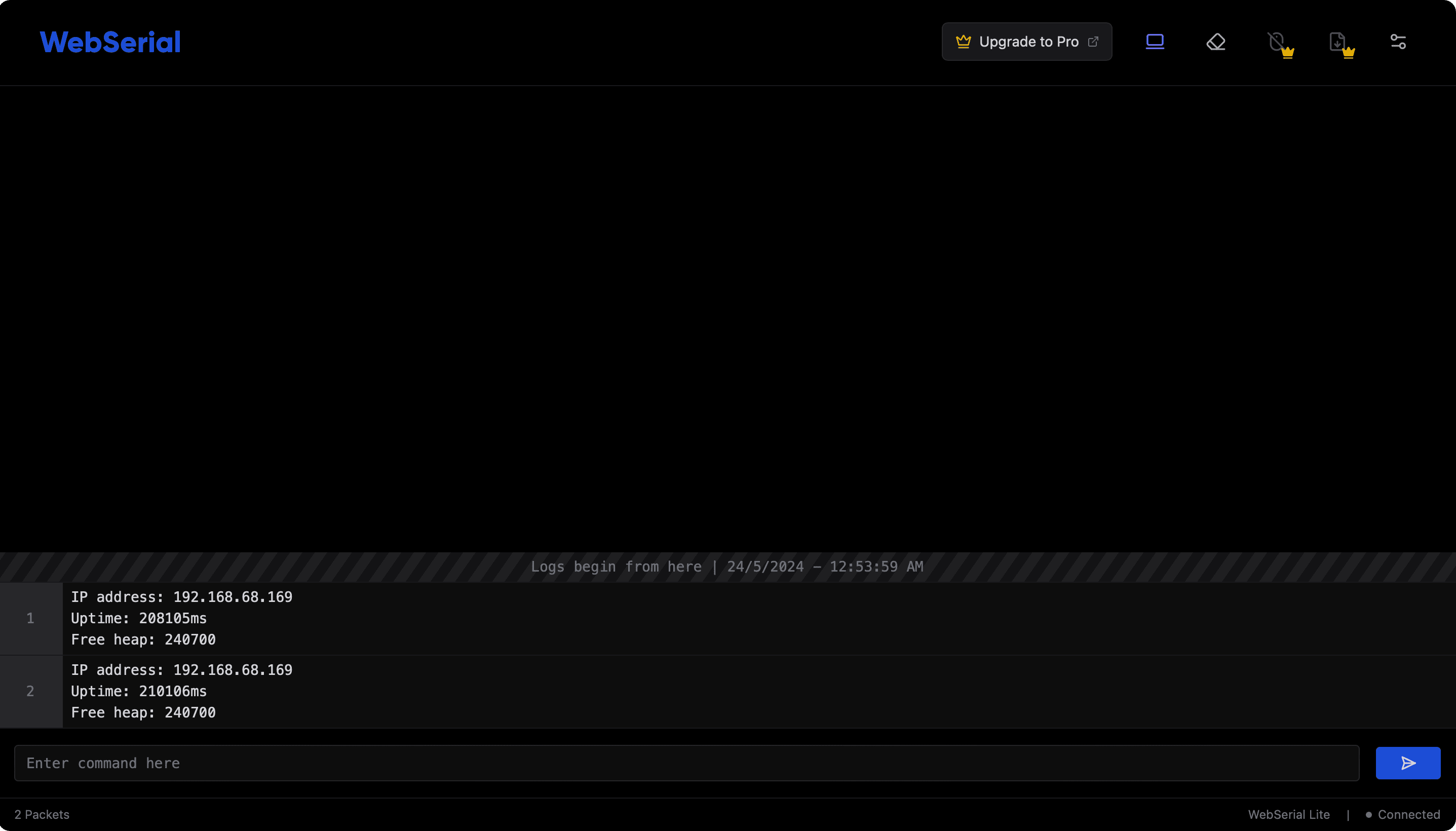
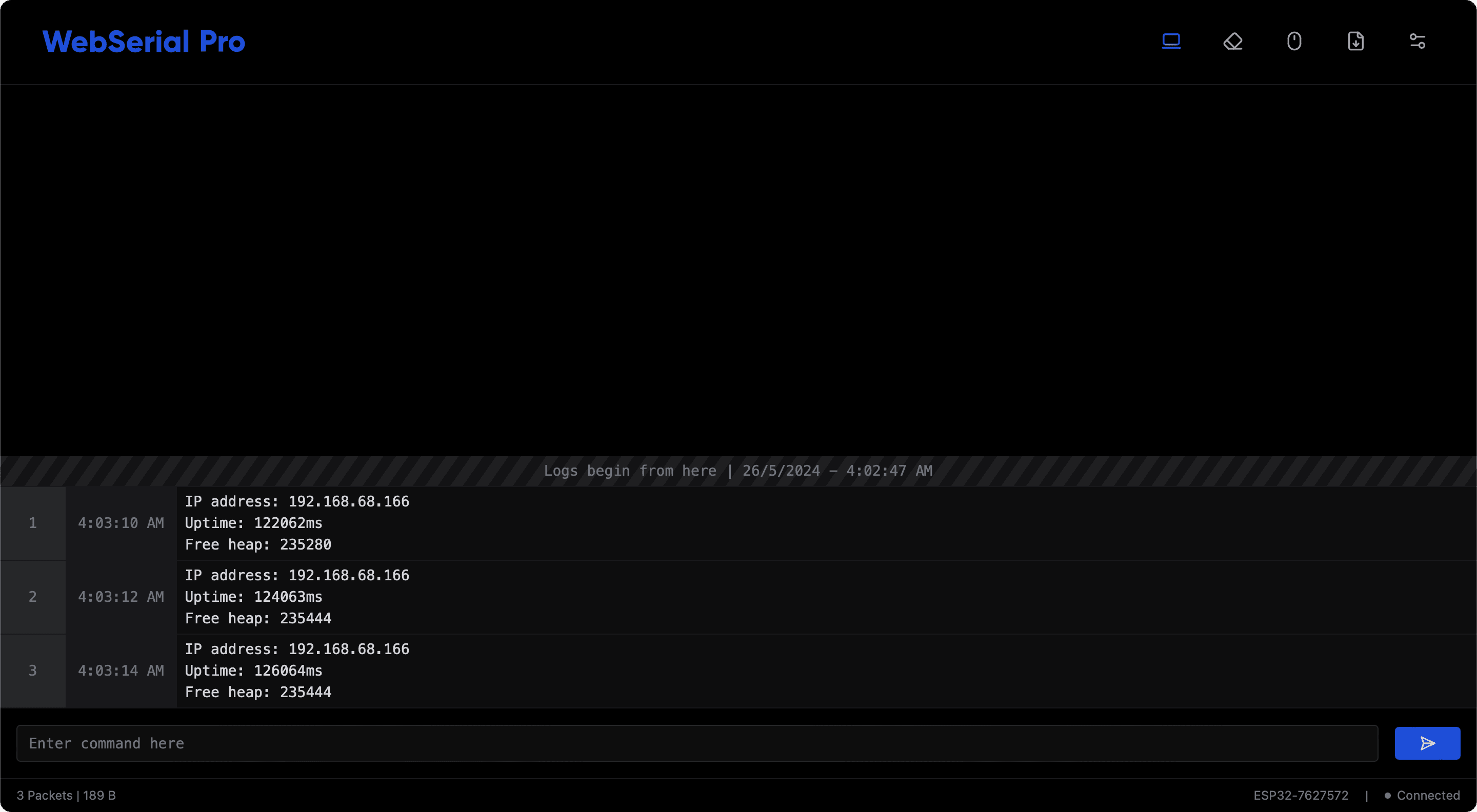
This documentation covers both editions of WebSerial. WebSerial Lite is open source and licensed under AGPL-3.0. WebSerial Pro is a commercial edition that includes everything in WebSerial Lite plus the following:
- Export logs as Text, JSON or CSV files.
- Timestamps synchronized with the device.
- Lock scroll, to pause automatic scrolling while you read the output.
- Toggle input, to enable or disable the command input bar from firmware.
- Font customization of the terminal font family and size from the UI.
- Custom title and hardware ID.
- Branding with your own logo.
Pages for features that are available only in WebSerial Pro are marked accordingly. See Commercial License for a comparison, or visit store.softt.io.
Explore the documentation
Installation
Install WebSerial and the dependencies required for your platform.
Integration Guide
Add WebSerial to an existing AsyncWebServer sketch.
Printing
Send log output to the terminal with print, println, printf and write.
API Reference
All public methods and configuration macros of the WebSerial object.